CatDays
A cat to count down the days that matter.
Cozy cat-themed widgets that count down the days until birthdays, anniversaries and exams, track how long you’ve been together or stuck with a habit, and show a cat calendar.
downloads
Free · No sign-up · iOS only
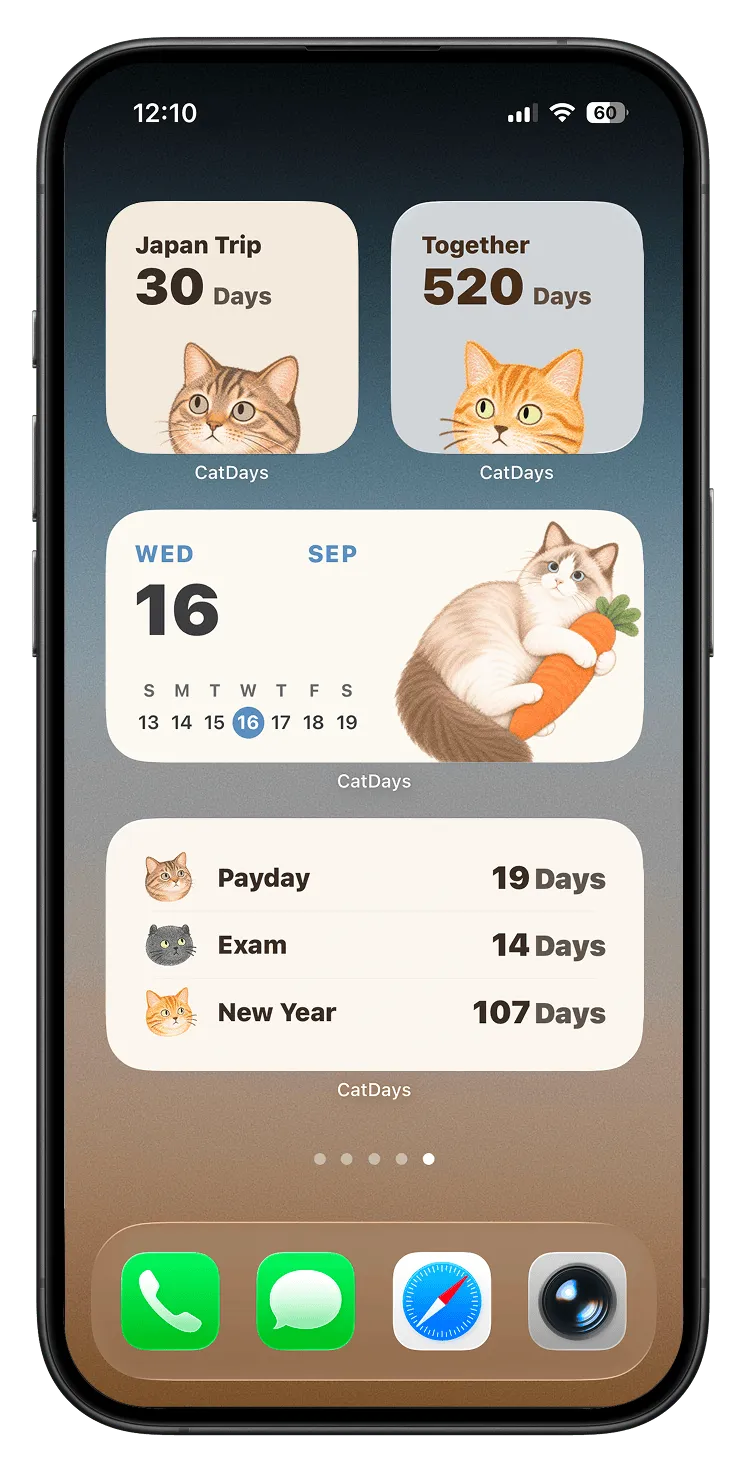
A cat to count down the days that matter
Birthday, travel, anniversary — every day worth looking forward to has a little cat counting down with you.
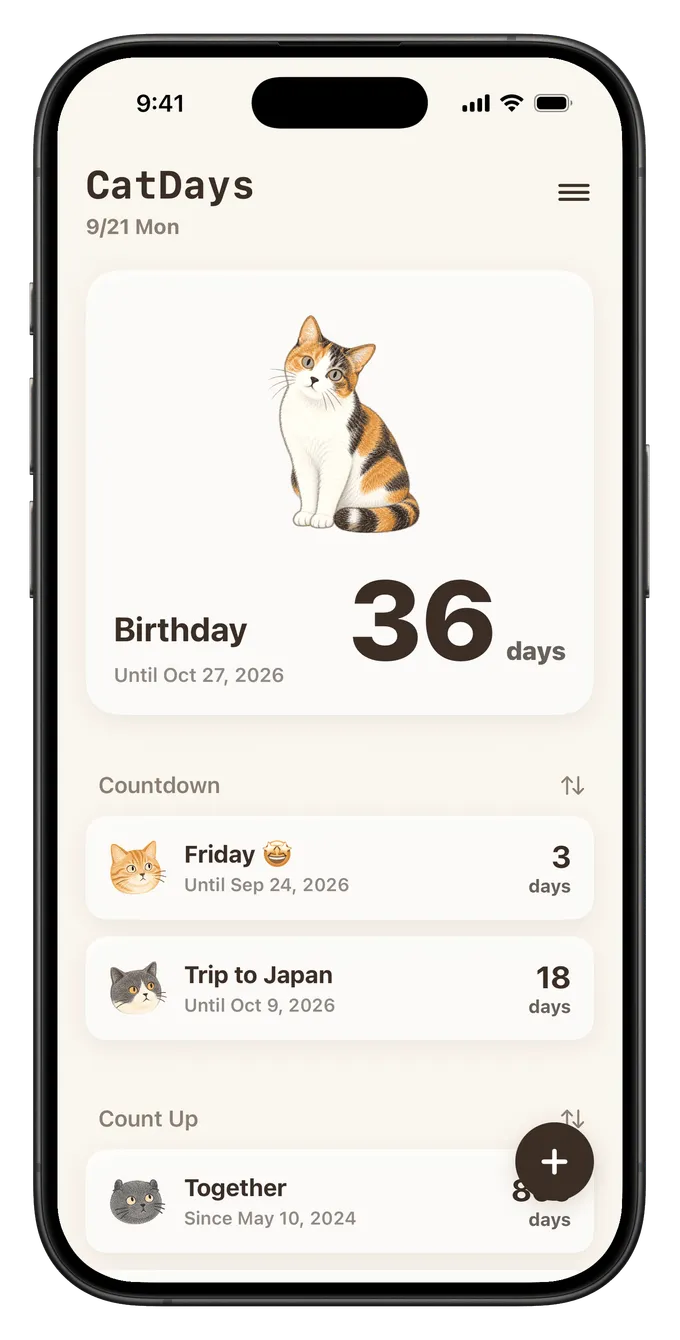

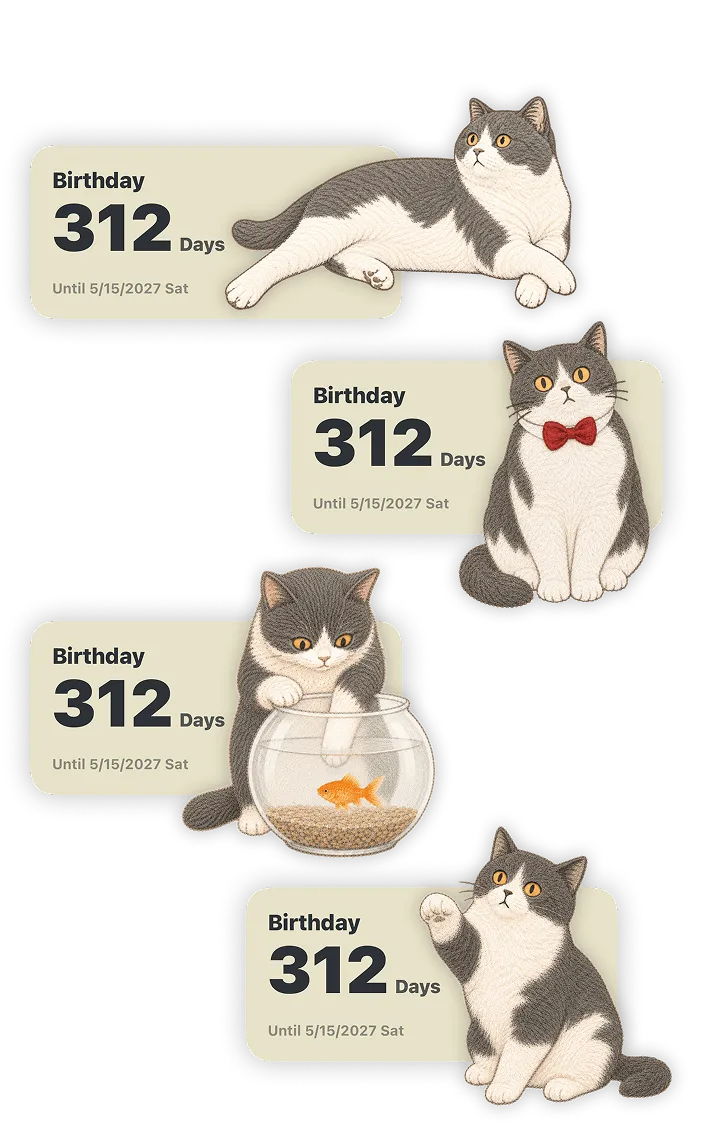
A little different every time you look
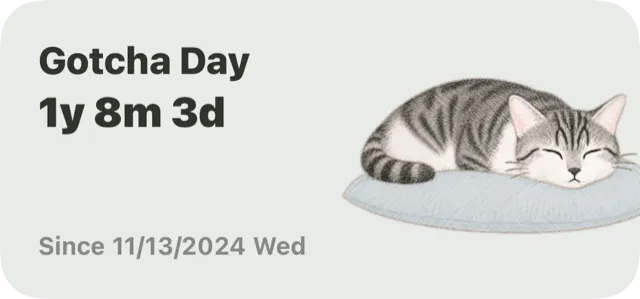
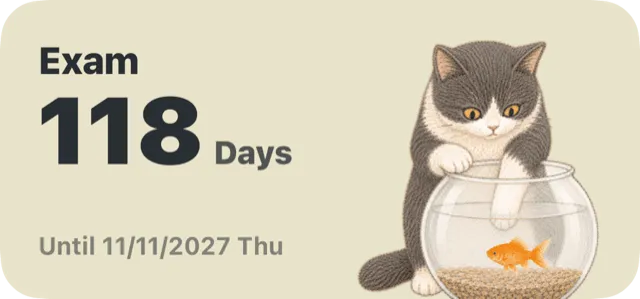
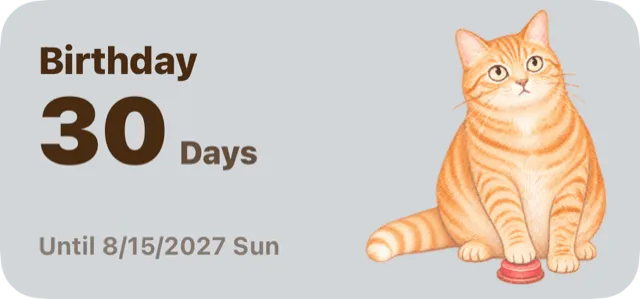
Cats have their own routines — they switch poses in the widget now and then, a small surprise on every glance.
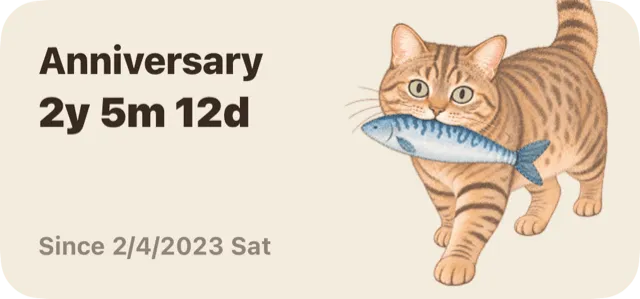
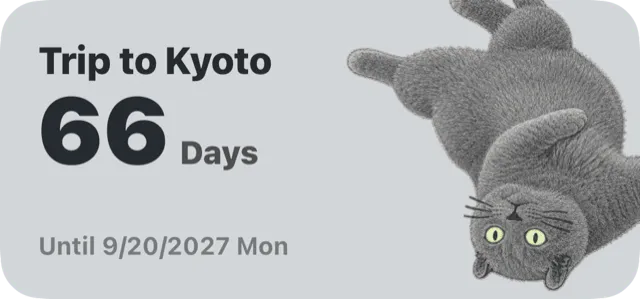
Widgets to mix and match
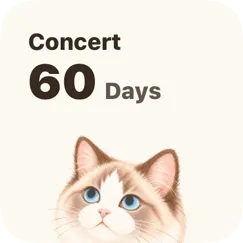
Pick your cat, the time format, and the widget size to build the Home Screen that fits you.
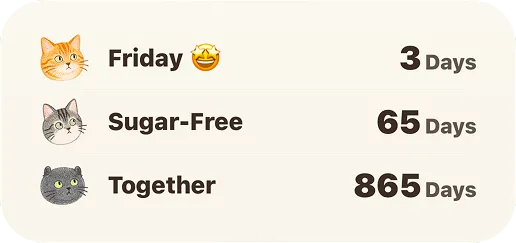

A Cat Calendar By Your Side
Choose from several calendar styles and put your favorite cat on any of them — the calendar becomes their turf too.
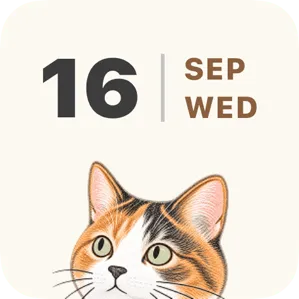
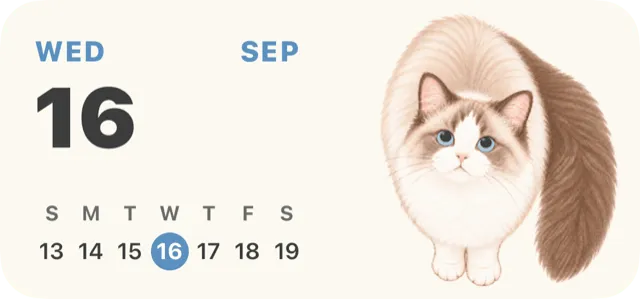
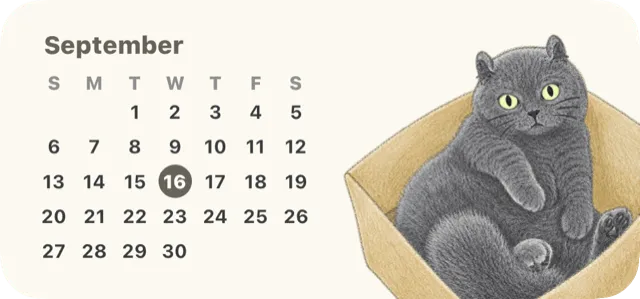
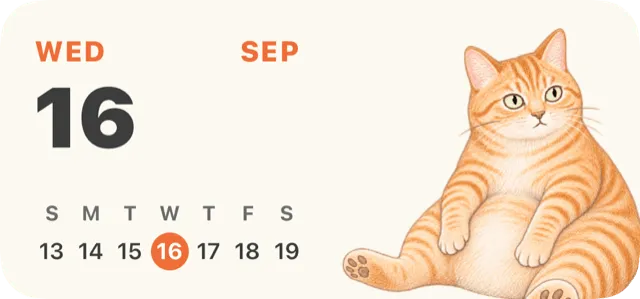
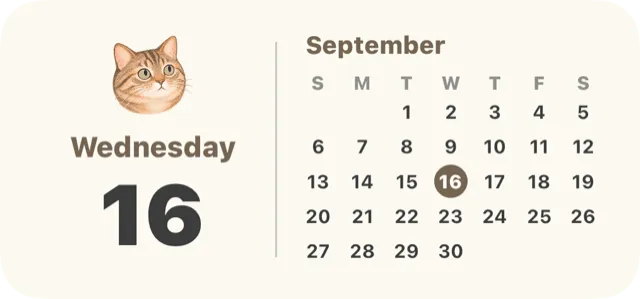
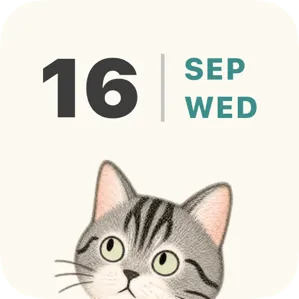

Common occasions, ready in a tap
Birthday, exam, anniversary and more come as built-in templates — start counting down in a few steps.
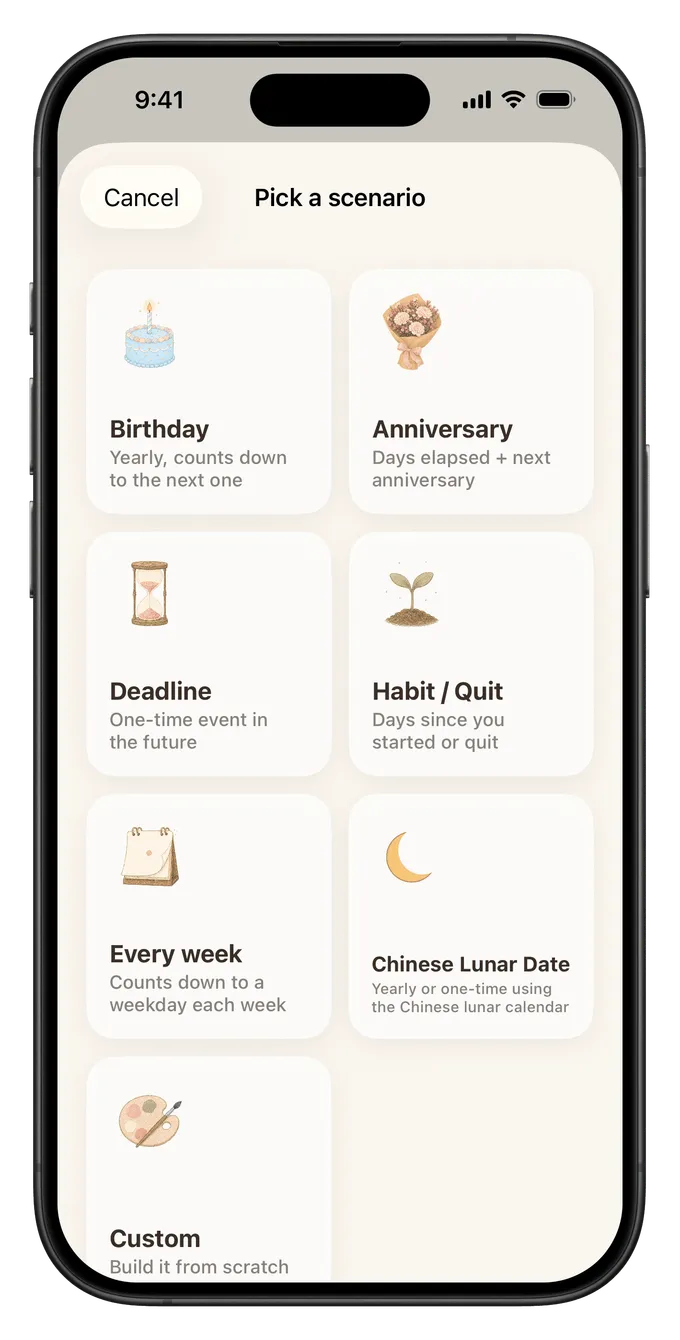

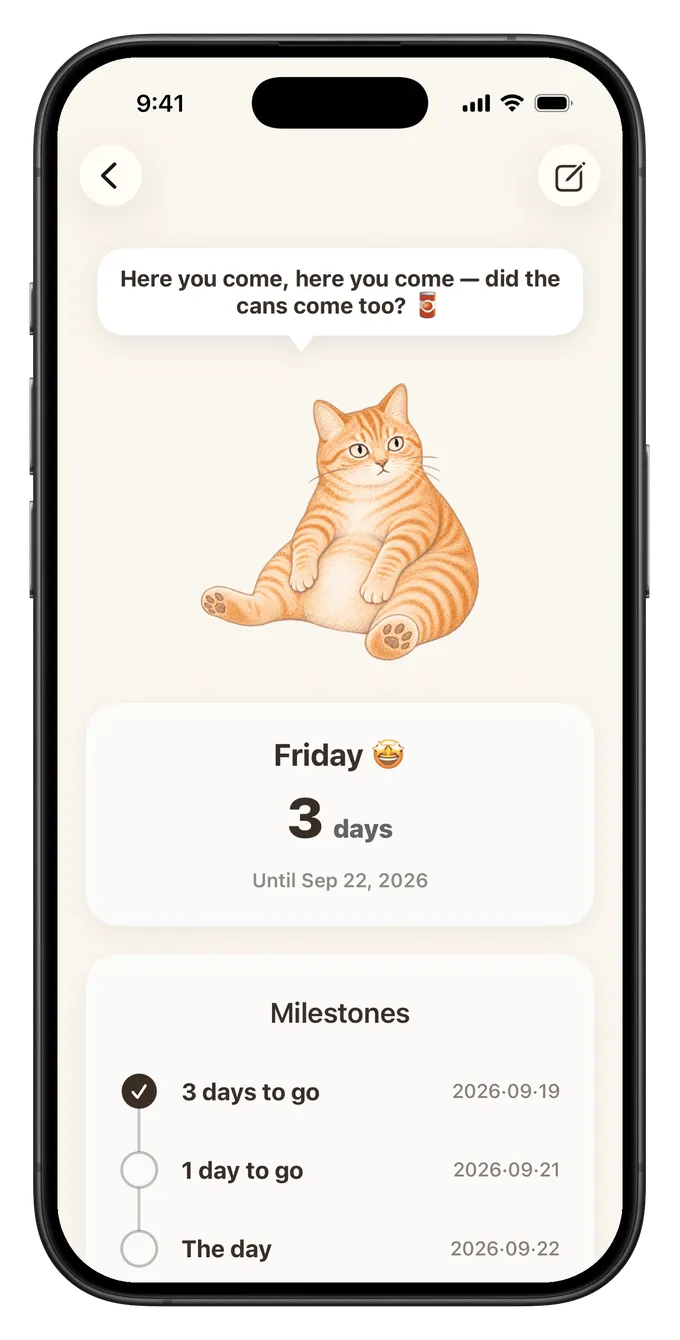
Every cat has its own personality
Some play hard to get, some never leave your side, and some only think about snacks. Poke one on the detail page and see how it reacts.
Real reviews on the App Store
Written by users around the world; non-English reviews translated by us.
Frequently asked questions
Is it free?
The app is a free download with every feature included. Only the cat characters are paid: Coco comes free, and the other cats can be unlocked one at a time or in a pack. Everything is a one-time purchase with no subscription. Pack contents are fixed, so cats released later are sold separately.
Does my data sync?
Yes. Your countdown content syncs across your own devices through your personal iCloud, without passing through our servers.
Is my data safe?
Every countdown lives on your device and your personal iCloud, synced across your own devices through Apple’s encryption — never through our servers.
How do I add a countdown to my Home Screen?
Touch and hold the Home Screen → tap “Edit” in the top-left → “Add Widget” → search for CatDays → pick the style you like. It works on the Lock Screen too: touch and hold the Lock Screen → “Customize” → tap the widget area below the clock → search for CatDays.
Read the full guide →How do I report a problem or send a suggestion?
In the app, go to Settings → Send Feedback. The email includes your app version and a few other details that help us look into the issue. You can also write to us at contact@catdays.app.